Every Research Space can have a public doorway.
When a Research Space is marked public, indigenous-search can show a safe discovery profile without opening the private workspace.
This compatibility route keeps older public group links working while the product language moves toward Research Spaces. Private and members-only spaces stay private, while public-facing profiles can help registered members discover classes, resources, local history projects, and research conversations.
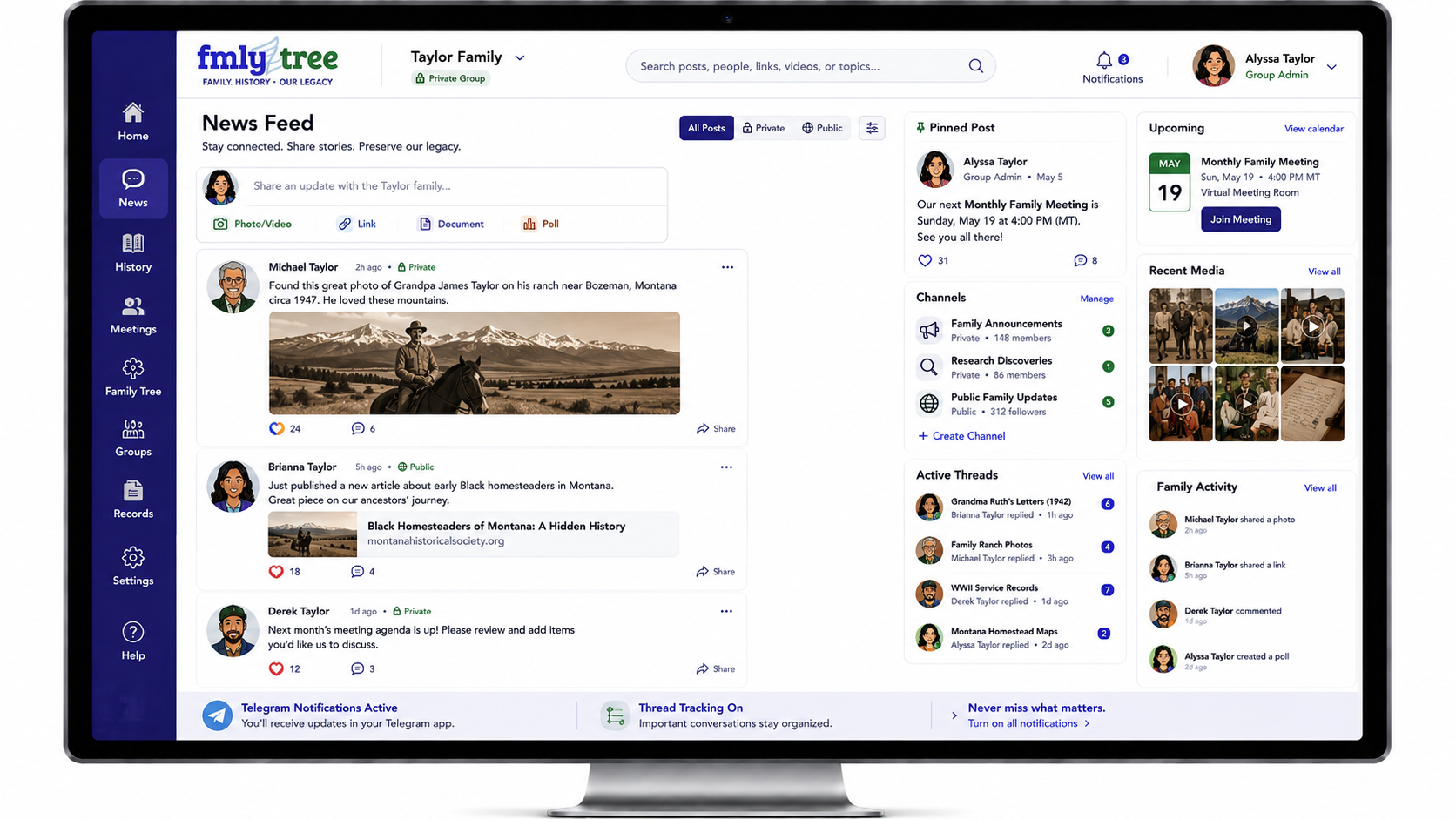
When a Research Space is marked public, indigenous-search can show a safe discovery profile without opening the private workspace.
If the space is private or members-only, the working area remains accessible only by invite or assigned membership.
A public profile can help people discover the space while member lists, meetings, library items, activity, and settings stay protected.
This compatibility page lists the same public spaces as the canonical Research Spaces directory. As the model expands, public profiles, member-only classrooms, private workspaces, and source-specific circles can stay separated cleanly.
Public-friendly family testing space for approved posts, searchable family details, and public archive planning.
Hosts decide whether a public Research Space has a private working area or member-accessible class/room. Private records, meetings, and library items remain protected by space permissions.